Guides & tutorials
Make better pie charts
Practical, tested tutorials for Excel, Google Sheets and beyond, plus the maths and design rules behind every clear pie chart.
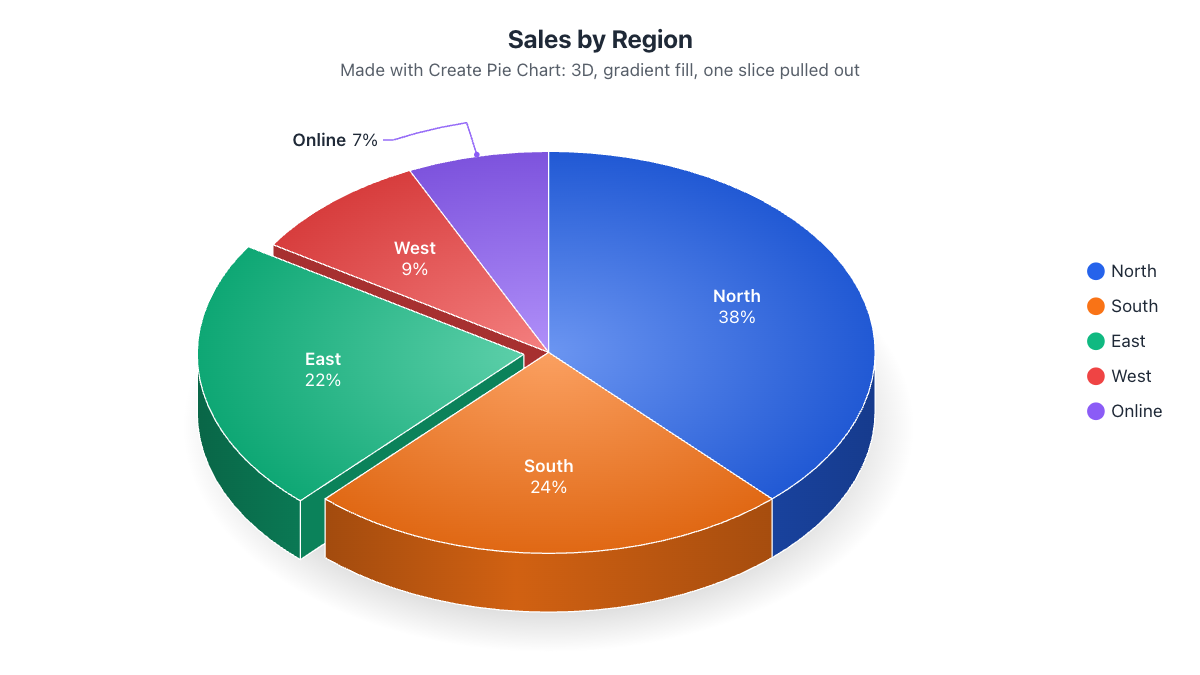
Comparison11 min read
Best Free Pie Chart Maker (2026): 7 Tools Compared and Reviewed
We ran the same 8-slice survey chart through three free pie chart makers and compared them with Google Sheets, Excel, Canva and Meta-Chart: labels, 3D, data import, SVG export, sign-up and ads. Honest pros, cons and verdicts.
Read the review →All guides
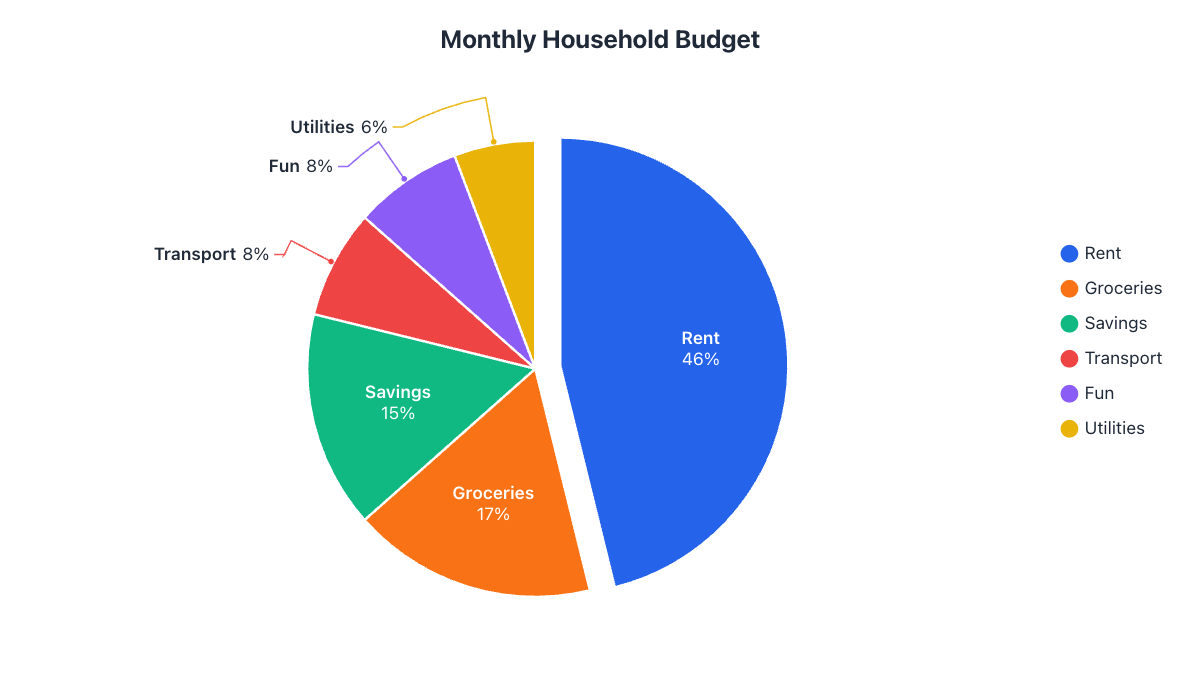 Excel6 min readHow to Make a Pie Chart in Excel (Step by Step)Make a pie chart in Excel in under a minute: select your data, insert the chart, show percentages, pull out a slice and fix common problems. Plus a faster way without Excel.
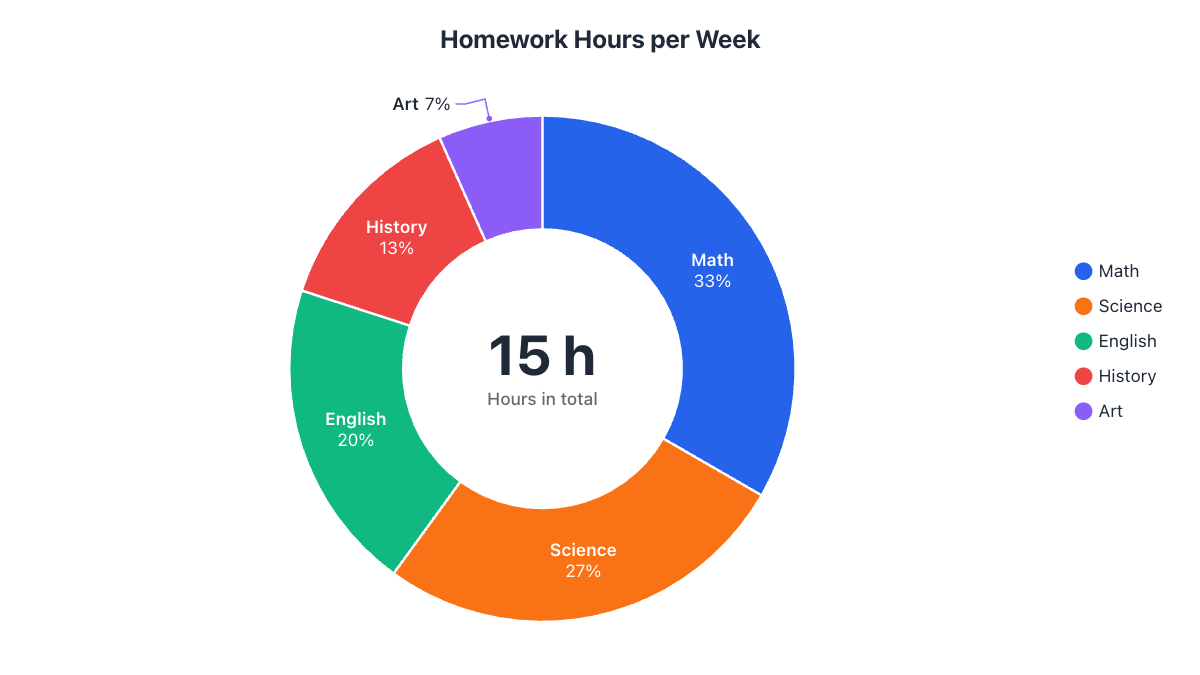 Google Sheets5 min readHow to Make a Pie Chart in Google SheetsCreate a pie or donut chart in Google Sheets, show percentages on the slices, change colors, pull out a slice and download it as an image. Step-by-step with screenshots of the result.
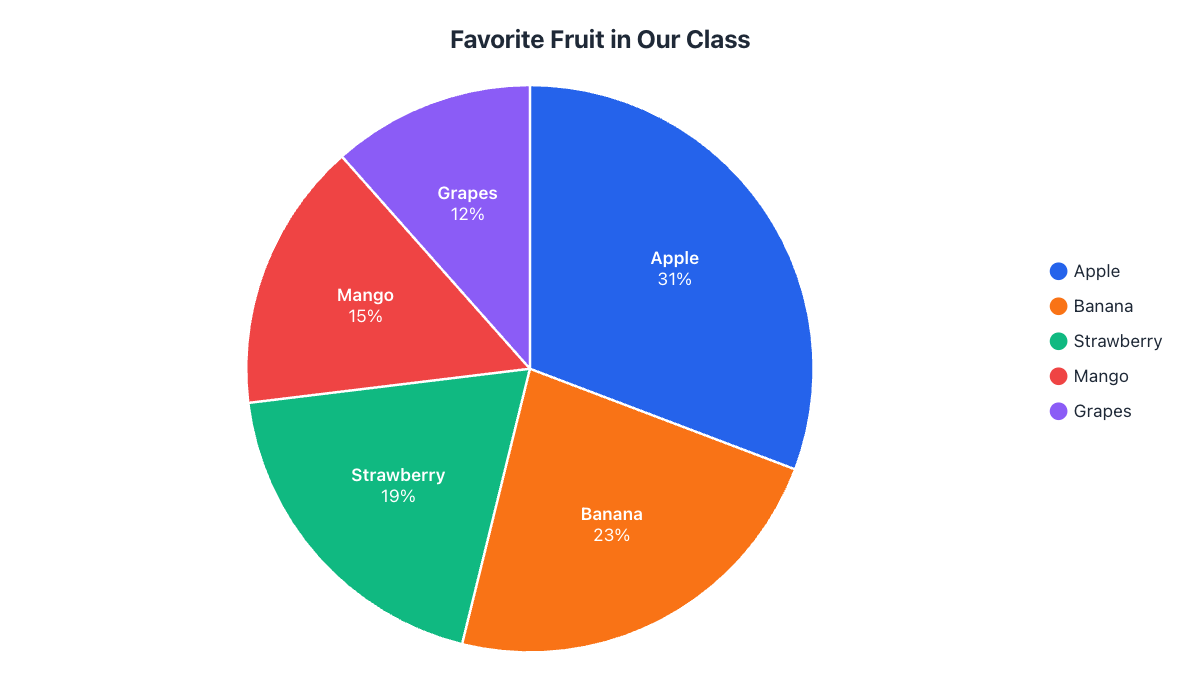 Math7 min readHow to Calculate Pie Chart Percentages and DegreesThe two formulas behind every pie chart, with a fully worked example: turn raw numbers into percentages and angles, convert between them, and fix rounding that doesn't add up to 100%.
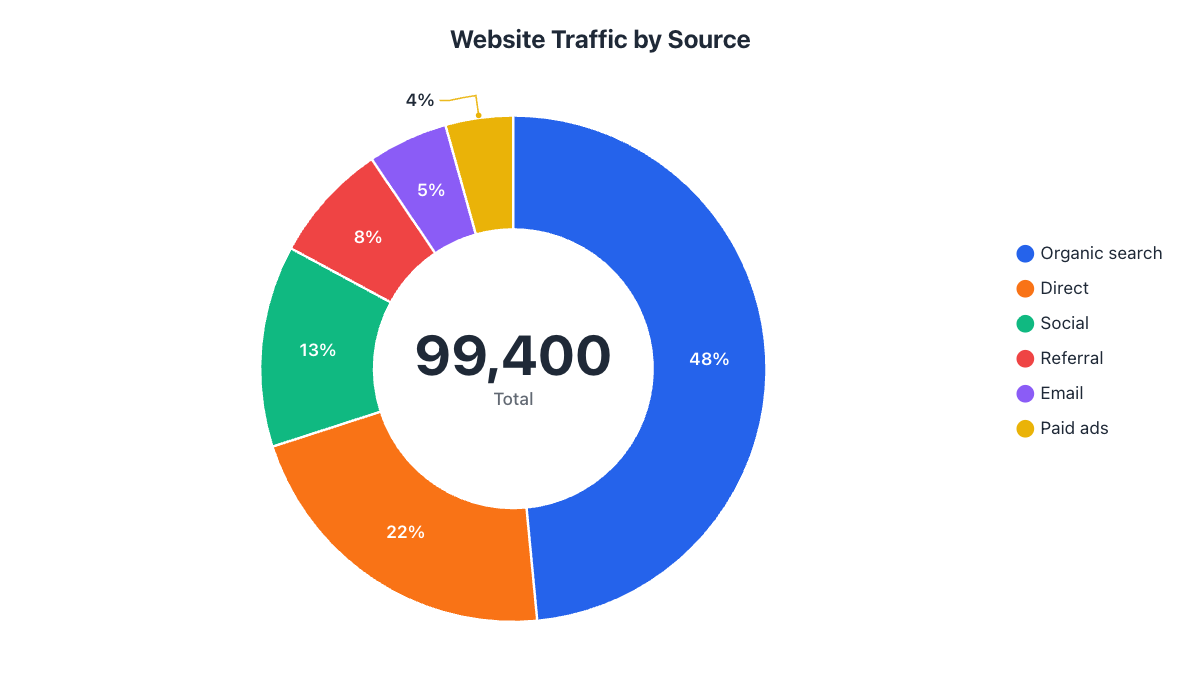 Chart design5 min readPie Chart vs. Donut Chart: Which Should You Use?Pie and donut charts show the same thing, but they read differently. Learn when each works best, how big the donut hole should be, and how to put a total in the middle.
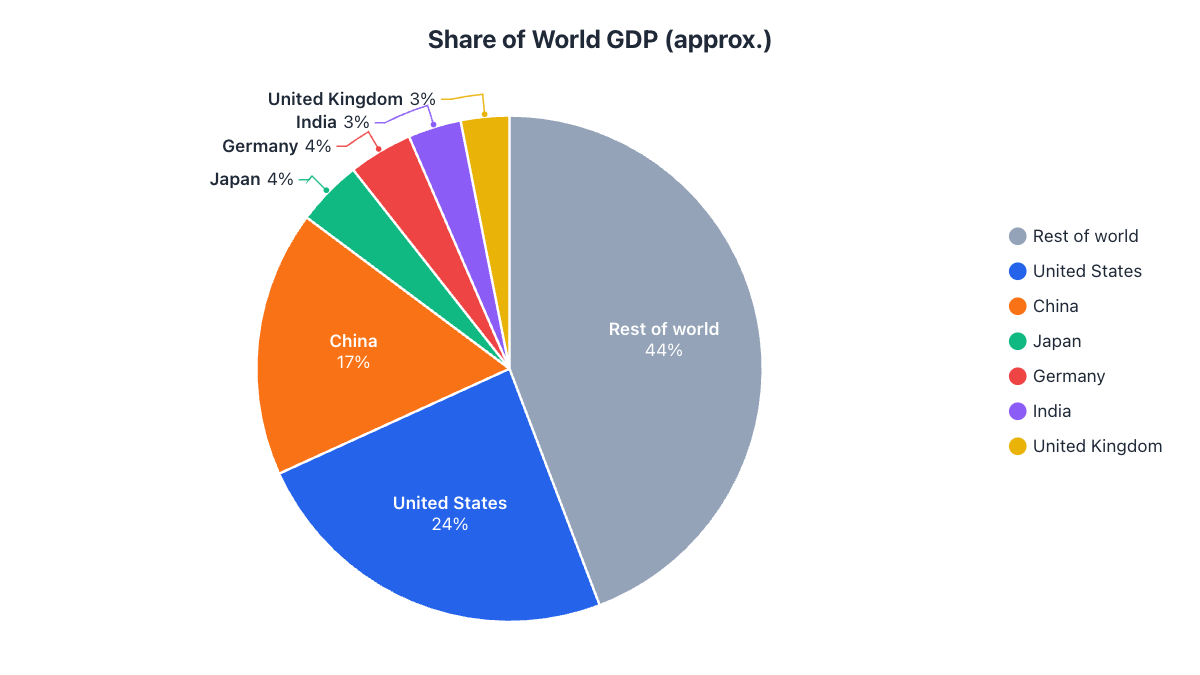 Chart design6 min readWhen Not to Use a Pie Chart (and What to Use Instead)Pie charts are great for parts of a whole, and confusing for almost everything else. Six situations where a pie chart fails, with the better chart for each and how to fix a crowded pie.